A tablet beside a public charging kiosk can look harmless: a bright screen, a loose cable, and a queue of travelers. Yet the device may hold customer records, staff accounts, or payment-session data. How to secure tablets in a public charging ark starts with treating the kiosk as both a physical asset and a network endpoint.
The risk is not limited to a cable. Unlocked screens, unattended devices, and forgotten accounts can expose information. IBM’s 2024 Cost of a Data Breach Report put the global average breach cost at $4.88 million. Verizon’s 2024 Data Breach Investigations Report found a human element in 68% of breaches it analyzed. These figures cover broad security incidents, not public charging tablets specifically; they show why routine controls matter. Keep that distinction clear.
Security technologist Bruce Schneier’s familiar observation, “Security is a process, not a product,” is apt here. Use kiosk mode and mobile-device management, restrict access to approved apps, and erase session data after each user. Secure tablets with a fixed mount, inspect charging cables and ports, and monitor devices for tampering. Where data transfer is unnecessary, use charge-only connections or a suitable USB data blocker. Small steps help. They are not a guarantee. A locked screen can still be left unattended, and a checklist can be missed during a busy shift. Clear staff procedures, regular checks, and a tested response plan make protection more reliable.
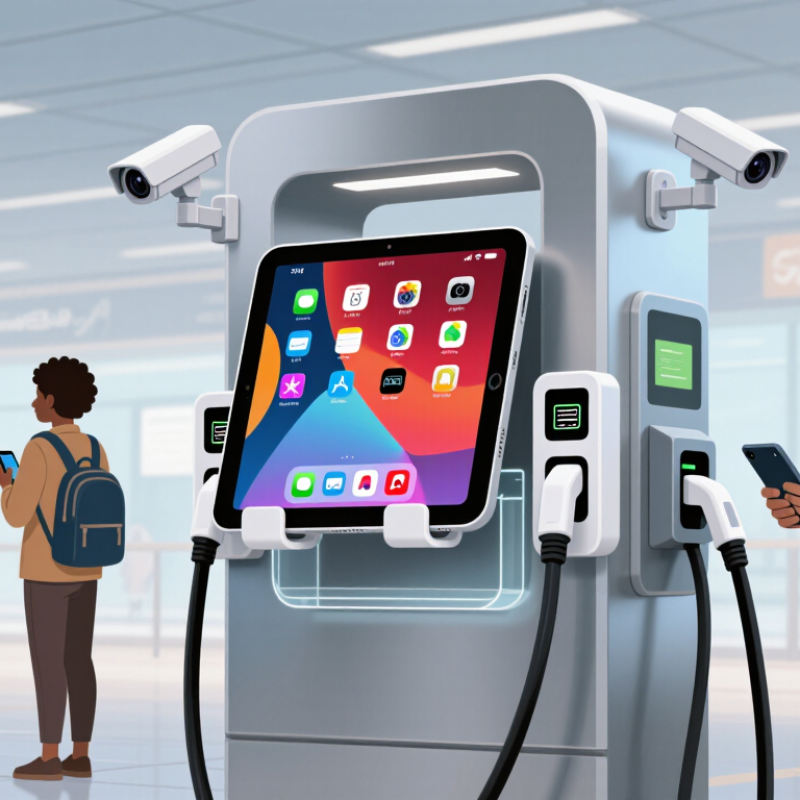
A tablet at 8% battery can make a public USB port look tempting. But charging and data can share the same cable. The FBI advises travelers to avoid public USB charging stations and use a wall outlet with their own charger and cable. That guidance is cautious, not proof that every airport or hotel port is compromised. Public data on how often “juice jacking” occurs remains limited.
The 2024 Verizon Data Breach Investigations Report analyzed 30,458 security incidents, including 10,626 confirmed breaches. It found a human element in 68% of breaches; that figure is not specific to charging attacks, but it shows why small choices matter. Use your own power adapter in an AC outlet, or a portable battery. Keep the tablet with you. If a connection prompt appears, decline data access and unplug. Simple enough. A charge-only cable can also reduce data exposure, though it is easy to leave at home. That is the awkward part: safer habits often fail when we are rushed. If public USB charging is unavoidable, avoid unlocking the tablet or approving prompts while connected.
Record its assigned user, operating system, physical ports, and approved accessories. Include spare tablets too. Small details matter.
A port may support charging, data transfer, or accessories. Note its type and location, then verify its capabilities with approved equipment. Connector shape alone proves little.
Review them after repairs, replacements, and software changes. Adapters can add connection paths. Records drift. That is normal, but stale records can create false confidence.
Keep charging separate from trusted data connections. Use suitable charging equipment and a charge-only cable or data blocker that disconnects data lines. Check the specifications.
No. Compliance supports interoperability, but it does not guarantee that data cannot pass. Verify the cable or blocker design. The fine print is easy to miss.
Look for loose housings, unknown adapters, or cables left beside the station. Label power-only ports clearly. A cable can look harmless. That proves little.
No. Keep tablets locked during public charging. Train staff to report unfamiliar prompts instead of tapping through them.
They help, but they are not a complete safeguard. Apply consistent settings where supported, inspect equipment, and review records. I might still miss an adapter; that is worth checking.
Securing tablets at public charging stations starts with recognizing that a charging connection may expose more than battery power. Review the risks of unfamiliar USB ports, keep devices updated, and inventory each tablet’s ports and security settings so potential weaknesses are easier to identify. Use charging equipment designed to provide power without enabling data transfer, and encourage staff to choose trusted outlets or dedicated power adapters whenever possible.
Clear routines can reduce mistakes: train employees to avoid unknown cables, never ignore unexpected connection prompts, and report unusual device behavior promptly. Prepare an incident plan that prioritizes isolating affected tablets, protecting sensitive information, and restoring service in an orderly way. How to secure tablets in a public charging ark comes down to combining safer charging practices, consistent device management, and staff awareness. Regularly review these measures so they remain useful as devices and workplace needs change.

 RF-Core Charger